
An app for everyone on your team
The owner checks the business on the phone, waiters take orders at the table, the till runs on a computer. One account, real time.

Noqta Biznes
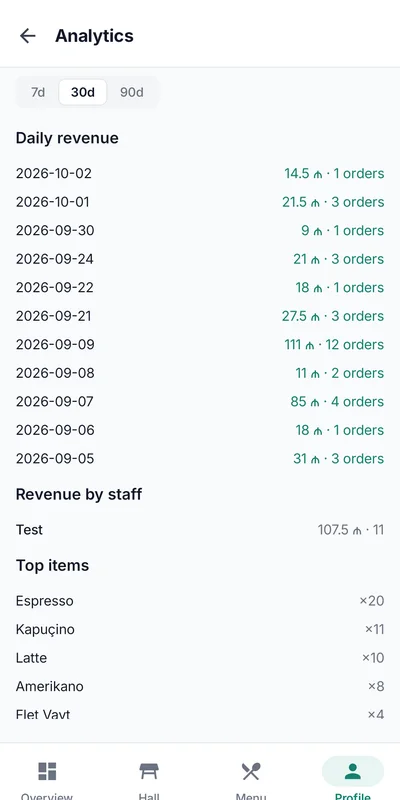
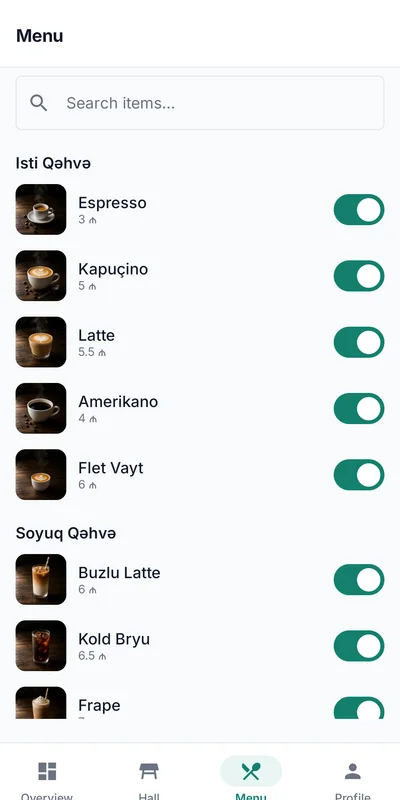
For owners and managers
Every location in your pocket: revenue, orders, stock and staff.
- Real-time revenue and analytics
- Menu and stop list
- Cash shift and reports
- Ask the AI assistant
- Invoice from a photo
- New order notifications
Android 2.52.0 · iOS 1.1.8

Noqta Staff
For the till, waiters and kitchen
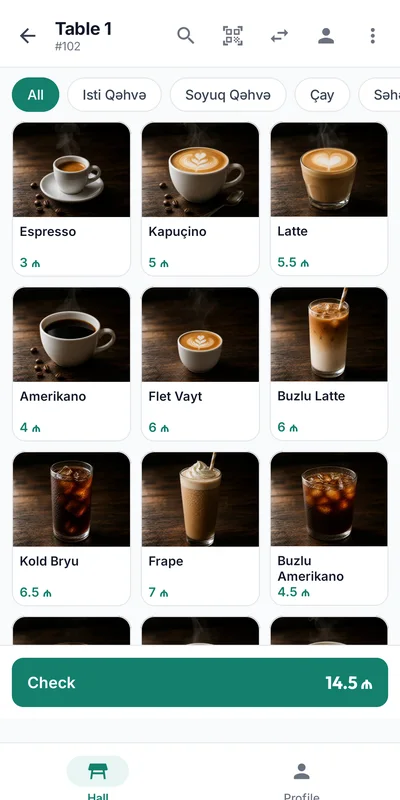
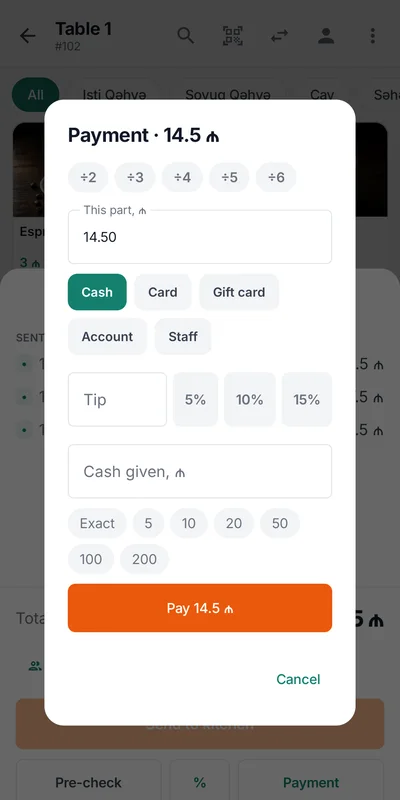
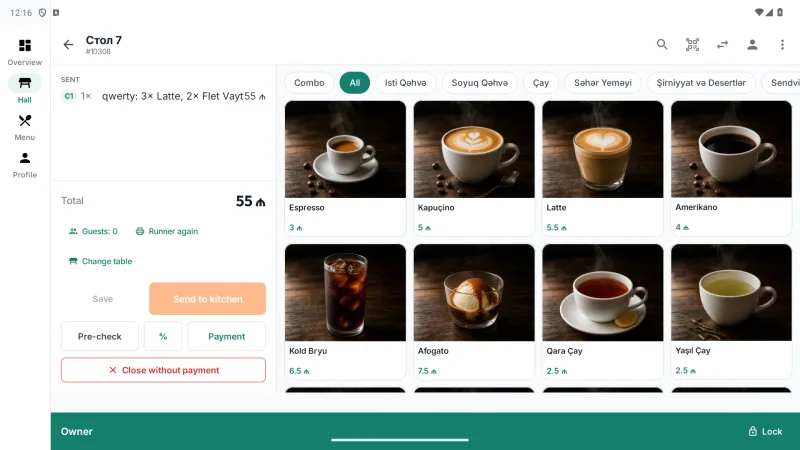
Floor, orders, payments and kitchen in one app. The till on a tablet, waiters on their phones.
- Floor plan and “my tables”
- Send orders to the kitchen
- Payments, splits, tips
- Quick PIN login
- Receipt printers and e-kassa
- Offline mode (Noqta Hub)
Android 2.52.0 · iOS 1.1.8

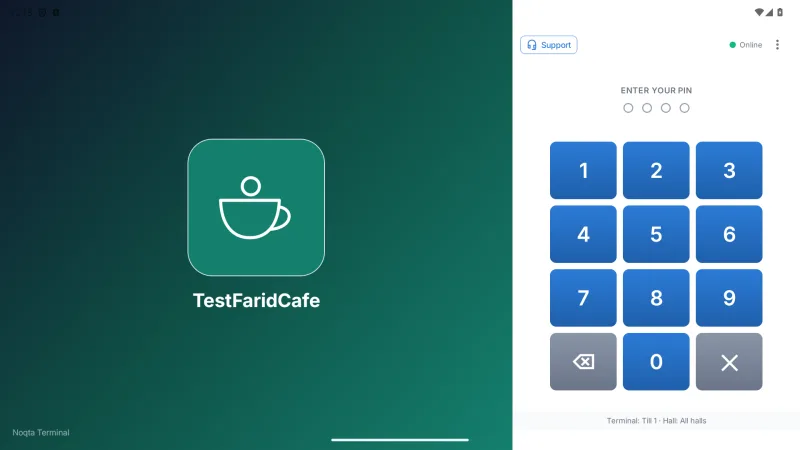
Noqta Terminal
For a shared till PC or tablet
Bound to the venue once, staff sign in by PIN or card. Floor, orders, payments and the till on one screen.
- Sign-in by PIN or staff card
- Auto-lock when idle
- Floor plan, orders, payments
- Cash drawer and a second screen for guests
- USB barcode scanner
- Receipt printers and e-kassa
Android 2.52.0
Computer & browser
The till and the dashboard on a big screen.
Noqta for Mac
macOS 13 or later · Apple Silicon and Intel. Sign in with your Noqta account.
Noqta for Windows
Version 1.0.15 · Windows 10 and 11, 64-bit. Sign in with your Noqta account.
6b17d3a6b81727c0a1bef5b5ccaff4bcd75f896a2f846698a5038ebcf87a7f6e
700af240dedd8853525cd175f4b162cee65c76409bbd220b42eb5e06c82a57e2
c9c5079866f96b97b134f86bc32c7d3ee00cdb2caf042ba0d1f72ec32301ccbe
- 1Download and runOpen the .msi of the app you need and finish the setup.
- 2If Windows shows a warningClick «More info» → «Run anyway». To verify the file:
certutil -hashfile file.msi SHA256— the result must match the SHA-256 above. - 3Sign inWith the phone number and password of your Noqta account.
Web dashboard
The full dashboard in any browser: menu, inventory, reports, staff.
Supported hardware
No special hardware to buy — we work with what you have and help you choose.
Receipt & label printers
ESC/POS printers over LAN, USB and Bluetooth, 58 and 80 mm. TSPL for labels.
Fiscal registers
Supported e-kassa operators: sale and refund receipts automatically.
Tablets & phones
Android 8+, iPhone and iPad. Sunmi terminals with a built-in printer.
Scanners & scales
Barcode scanners and by-weight sales.
Kitchen display
Any tablet, monitor or TV with a browser.
Noqta Hub
An Android hub on the local network for working offline.
Set up and running in one day
We move your menu, upload photos, set up QR codes and the POS, and train your team. Leave your number and we will call you back.